[1] 2Quarto
Marie-Pierre Etienne
https://github.com/MarieEtienne/reproductibilite
2026-09-01
Quarto
Why Quarto?
- Bridge towards the “winning trio” mentioned in the intro: Quarto, git, Docker
- One source (
.qmd) → many outputs: HTML report, PDF, slides, website - Quarto is the successor of Rmarkdown, language-agnostic (R, Python, Julia, Observable)
- Preview: this very course website is built with Quarto
What is a markup language?
- Separates content from formatting (vs. Word’s WYSIWYG)
- Markdown syntax crash course: headers, lists, bold/italic, links, code spans
- Why it matters for reproducibility: plain text = diffable
- git-friendly
Installation
Installing Quarto CLI
- Download from https://quarto.org (mac/win/linux)
- Check installation:
- what
quarto checktells you (R/Python/Jupyter engines found)
Quarto in RStudio
- Built in since RStudio 2022.07 — no extra install
- New File > Quarto Document
- Source vs Visual editor (mention the diffing issue with Visual editor — link with
git1)
Anatomy of a .qmd file
The three ingredients
- YAML header
- Markdown text
- Code chunks
Minimal YAML
- Render:
quarto render mydoc.qmdor the Render button
Exercise
- Download Penguins_chapter.qmd
- Add/edit the YAML header (title, author, date)
- Render it, check the output
Rich content
Code chunks
- chunk options:
echo,eval,warning,message - always set as
#|lines at the top of the chunk (native Quarto syntax — not the old inline{r, echo=TRUE}Rmarkdown style)
Figures — generated
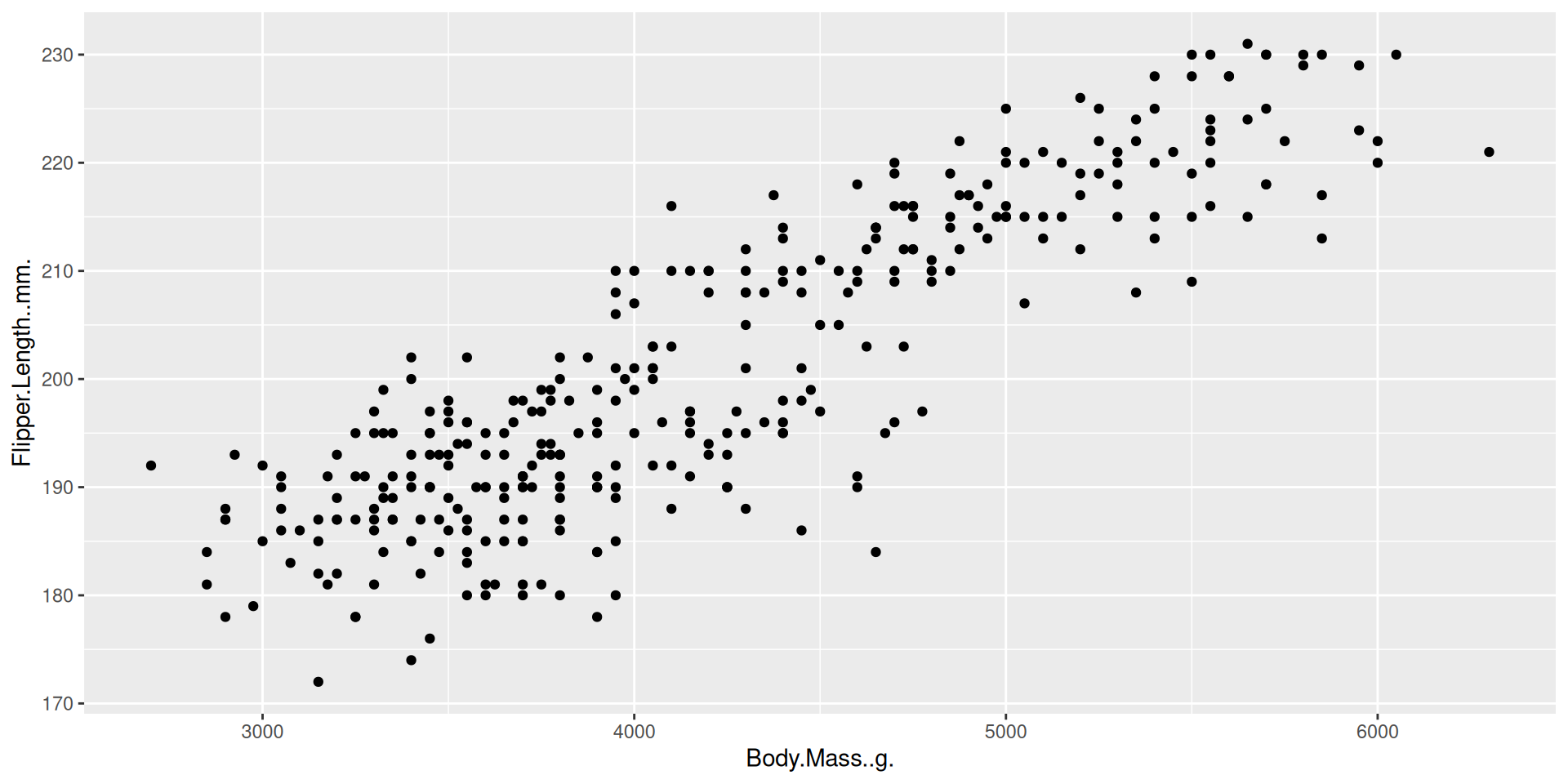
Figure 1: Caption
Figures — external
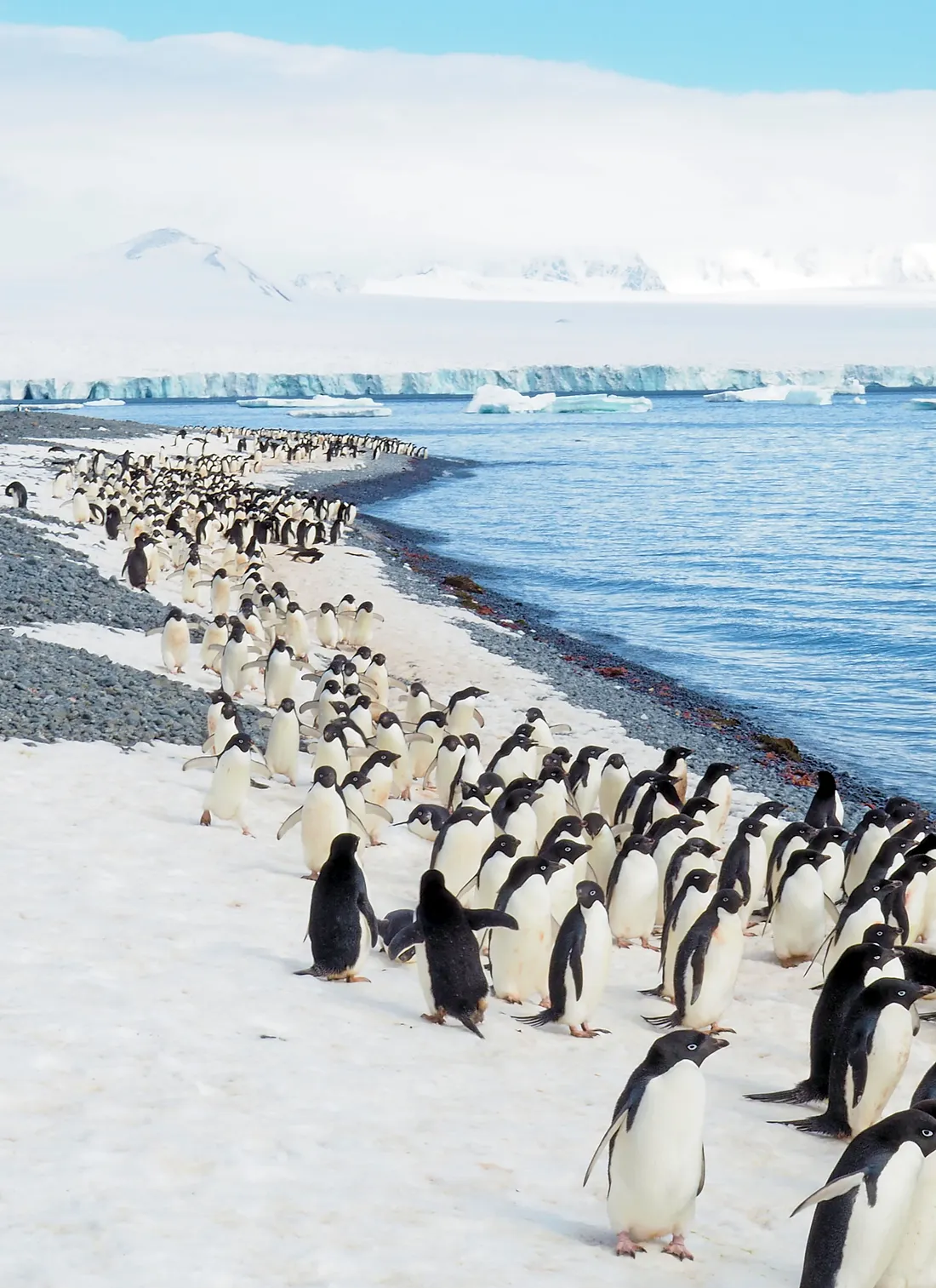
Figure 2: Caption2
Equations
Inline:
$\bar{x}$\: \(\bar{x}\)Display:
$$\hat\mu = \frac{1}{n}\sum x_i$$ {#eq-mean}
\[\hat\mu = \frac{1}{n}\sum x_i \qquad(1)\]
Exercise
- In
Penguins_chapter.qmd: add one generated figure and one equation, each with a label.
Cross-references
Referencing figures and equations
@fig-example: Figure 1,@eq-mean: Equation 1 → auto-numbered, clickable- Why this matters more than manual “see Figure 2” (renumbering-proof)
Exercise
- Reference the figure and equation you just created in a sentence
Managing a bibliography
Bibliography file
.bibfile, referenced in YAML:bibliography: references.bib- Citing:
[@alston2021beginner]: @alston2021beginner (already used inintroduction.qmd) csl:for citation style
Where do references come from?
- Zotero + Better BibTeX plugin → auto-export
.bib - Or hand-written entries
Exercise
- Add a bibliography entry, cite it in
Penguins_chapter.qmd, render, check the References section appears
From a document to a website
Why a website?
- A collection of
.qmdfiles → one navigable site - This is exactly how
OCR_TP(your final project) and “reproductibilite” (this courseà) are built
The _quarto.yml file
- Project-level config, sits next to your
.qmdfiles
project:
  type: website

website:
  title: "My site"
  navbar:
    left:
      - text: Home
        href: index.qmd
      - text: Chapter 1
href: chapter1.qmd- Controls: page order, navbar, sidebar, site-wide title
Minimal website structure
index.qmd→ home page- one
.qmdper page/chapter _quarto.yml→ glue holding them together- Render whole site:
quarto render(not just one file)
Warnings
Be careful with Visual mode
Check the yaml header and focus on canonical: true in the editor section.
✅ Quarto basics complete
You can now write a reproducible .qmd combining text, code, figures, equations and citations — and turn a set of .qmd files into a website, ready for the final assignment. as soon as you will masterize the git concepts.